A terminal that remembers.
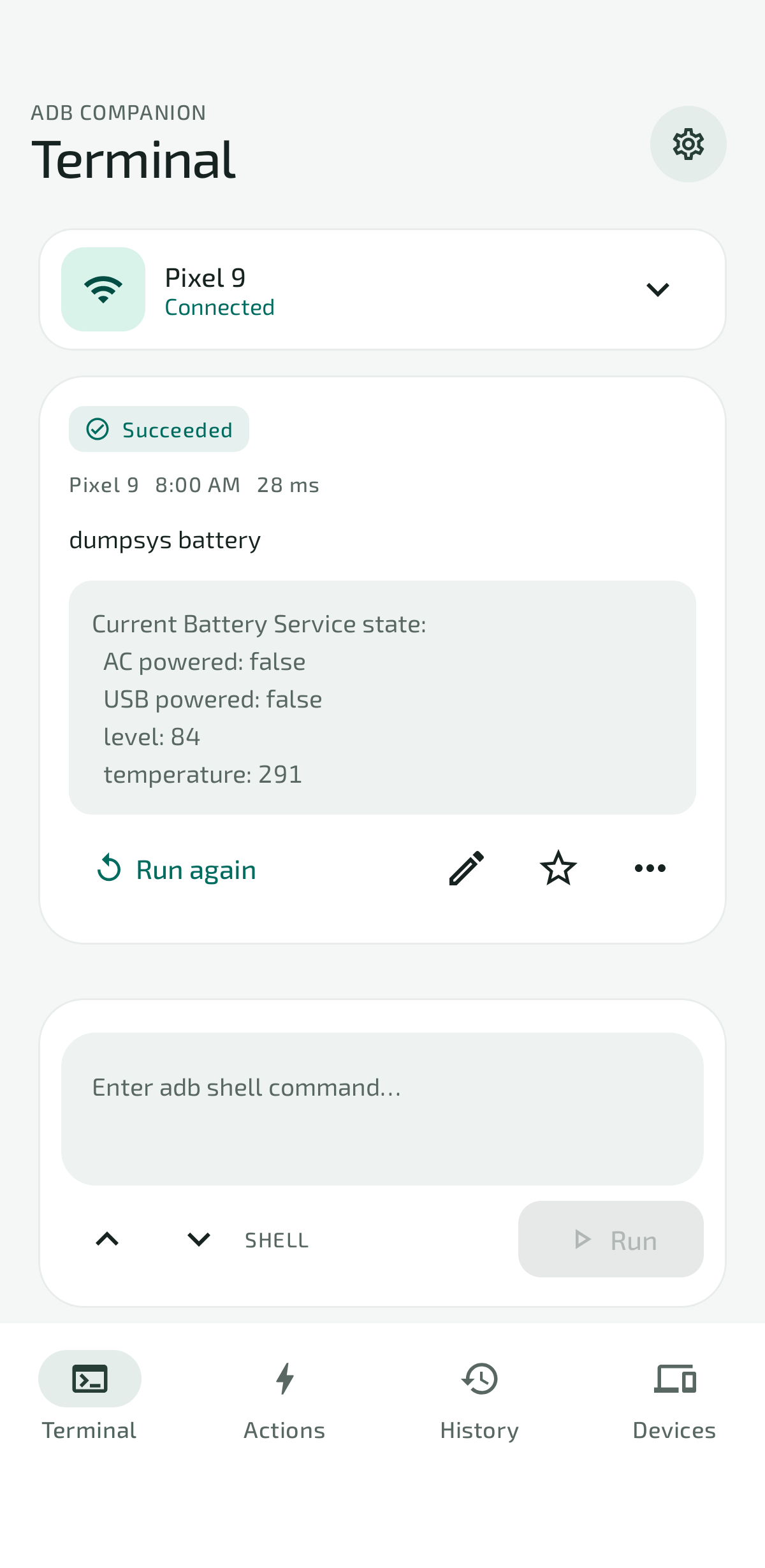
Clear output, separate device drafts, and one-tap reruns. Pick up where you left off.
› getprop ro.product.modelPixel 9 Succeeded
Run again
All the power of Android Debug Bridge.
A little more at your fingertips.
Connect wirelessly, run commands, and save the useful ones. A thoughtfully built Android tool for getting things done.
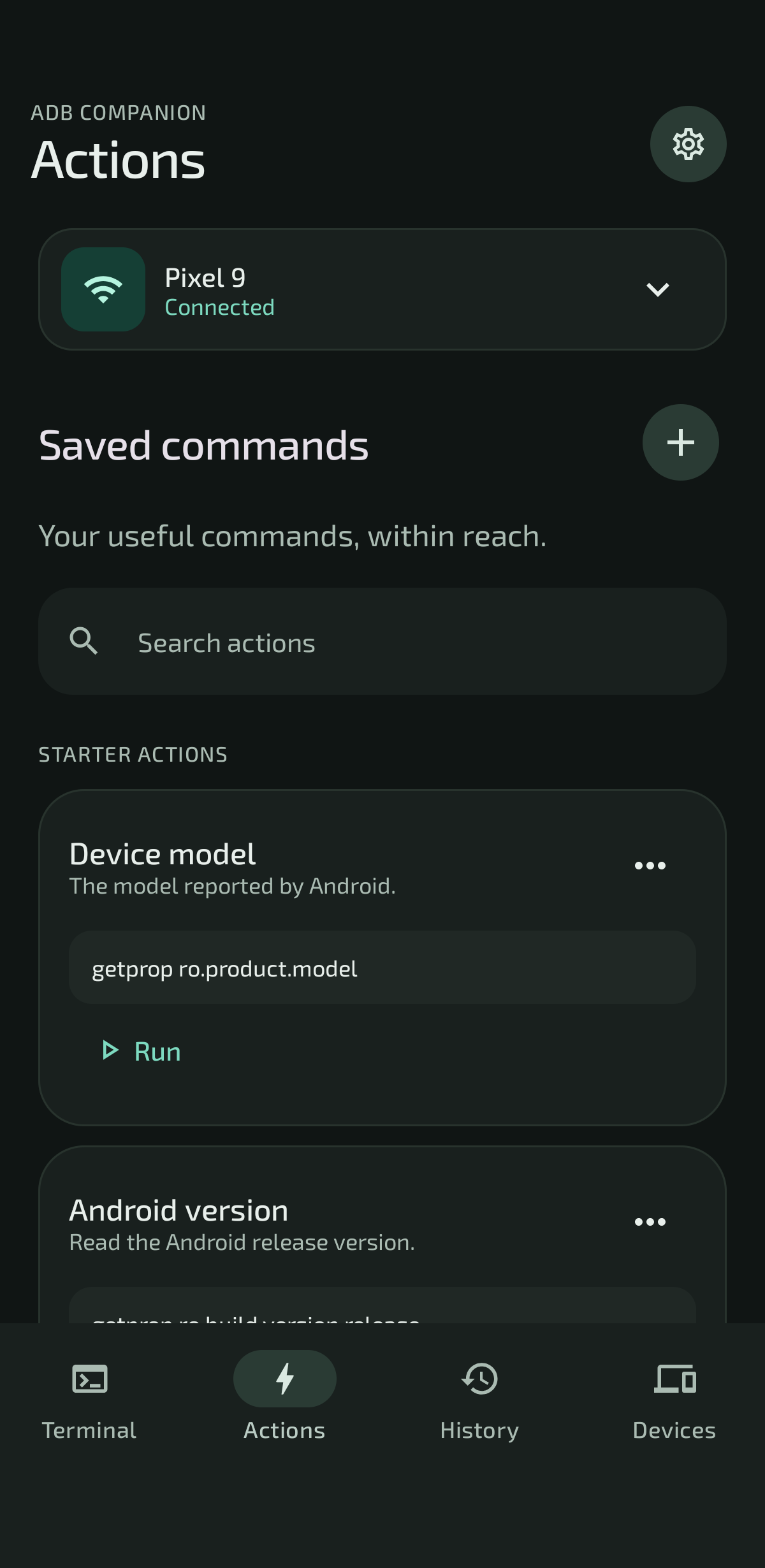
The command is just the beginning.
Everything around it should feel this easy.
Clear output, separate device drafts, and one-tap reruns. Pick up where you left off.
› getprop ro.product.modelTurn a useful command into a favorite. Build parameterized actions and pin your everyday essentials.
Save up to three devices. Switch between your phone, tablet, or compatible TV, with a terminal for each.
Search past commands, filter by device or result, and return to the output that mattered.
No account, analytics, or cloud backend in the app. Your commands and results stay local unless you choose to share them.
A utility that respects your space.Enable Wireless debugging and pair with a six-digit code. Connect this phone or another Android device.
Open the terminal or start with a ready-made action. See the command, its output, and its result.
Favorite it, turn it into a template, or find it in History. Next time is one tap closer.
Practical guides for your next “how do I…?”
Explore the blogPair your Android device, make your first connection, and run a command from ADB Companion.
Read the guideList installed apps, narrow the results, and save a package lookup you can reuse.
Read the guideRead a battery snapshot and keep the result handy for your next troubleshooting session.
Read the guideWe’re putting the finishing touches on ADB Companion. In the meantime, get a head start with the guides.
*Root isn’t needed for pairing and supported shell commands. Some operations require additional privileges. Target compatibility varies by device and manufacturer.